We are using cookies on our website to ensure that you will receive the best experience while using our website. These cookies might relate to your information, your preferences or your device. The information does however not usually directly identify you, but it could provide you with a more personalized and better web experience. Since we do respect your privacy, you can choose to not allow some type of cookies. For more information on the types of cookies and the possibility to change the default cookies setting, click on the heading of the individual types of cookies. Blocking some types of cookies may impact your user experience on our website. For further information on how we process your personal data (cookies) please click on the section "More information about cookies”.
It is necessary to create a cookie to remember the choices you have made within our cookie privacy menu as well. This is going to have a couple of consequences:
Strictly necessary (technical) cookies are necessary for the functioning of our website and can therefore not be switched off in our systems. These cookies do not [collect or] store any personal identifiable information. They are usually a response to your actions and related to a request for services such as setting your privacy preferences, logging in or filling in the forms.
These cookies allow us to count the visits and the traffic sources on our website so that we can measure and improve the performance of our website. The performance cookies are supposed to help us to understand which sections of our website are the most and least popular and show how visitors move around the website. All the information that these cookies collect are aggregated and therefore anonymous. If you prefer to not allow these cookies, we will not be aware of when you have visited our website and we will not be able to monitor the performance of the website.
Functional cookies enable the website to provide you with enhanced functionality and personalization. These cookies are set by external administrator - to protect user data from unauthorized access. If you do not allow these cookies, then some or all of these services may not function properly.
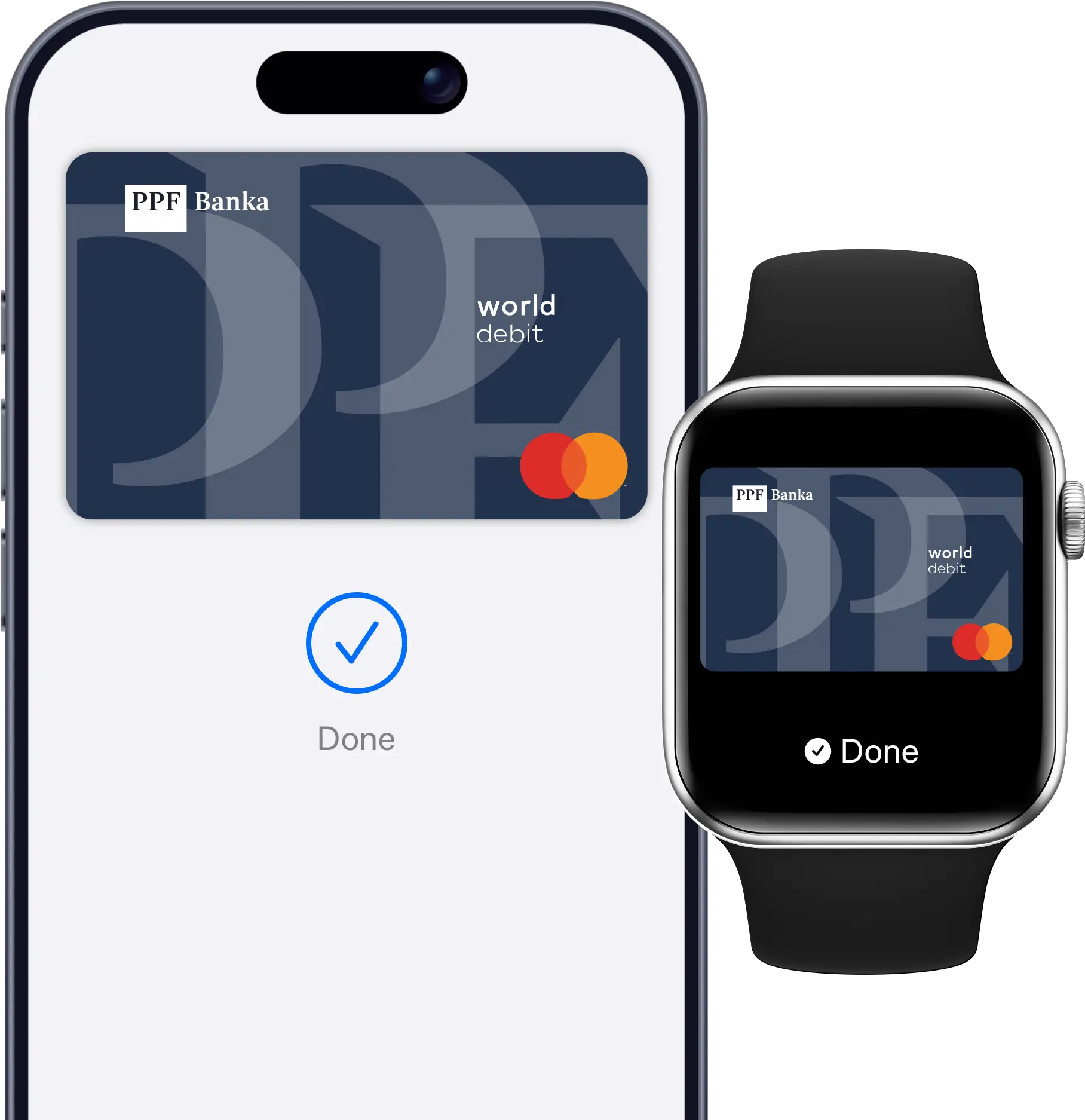
With Apple Pay, you can pay quickly and conveniently using your iPhone or Apple Watch at contactless payment terminals in stores, with online merchants, and in apps that support Apple Pay.




Speed and simplicity
Pay in just a few seconds – no need to look for your plastic card. Just add your card to Apple Wallet.

Security
Every payment is authenticated by fingerprint, PIN, or facial recognition, depending on your device.

Availability
Works everywhere you see the contactless payment symbol or the Apple Pay logo.
Look for these symbols:

To add a card to Apple Pay, the card must be active. You can activate it in internet or mobile banking.
Log in to PPF banka mobile banking.
Select the card you want to digitize and, in the card details, choose “Add to Apple Wallet”.
Confirm the addition of the card to Apple Wallet and follow the on-screen instructions.
Done! Your card is ready for Apple Pay payments.
Open the Apple Wallet app.
Tap the “+” icon in the top right corner.
Select “Debit or Credit Card”.
Hold your card near the phone or enter the details manually.
Confirm activation in the PPF banka Smart Banking app (select “Log in to the bank app”) or with an activation code sent via SMS (“Send code by SMS”).
Done! Your card is ready for Apple Pay payments.
Open the Watch app on your iPhone.
Select “Wallet & Apple Pay”.
Tap “Add Card” and follow the instructions.